Agents, Harnesses, Traces, and Team Workflows: The New Architecture of AI Work


9 min read
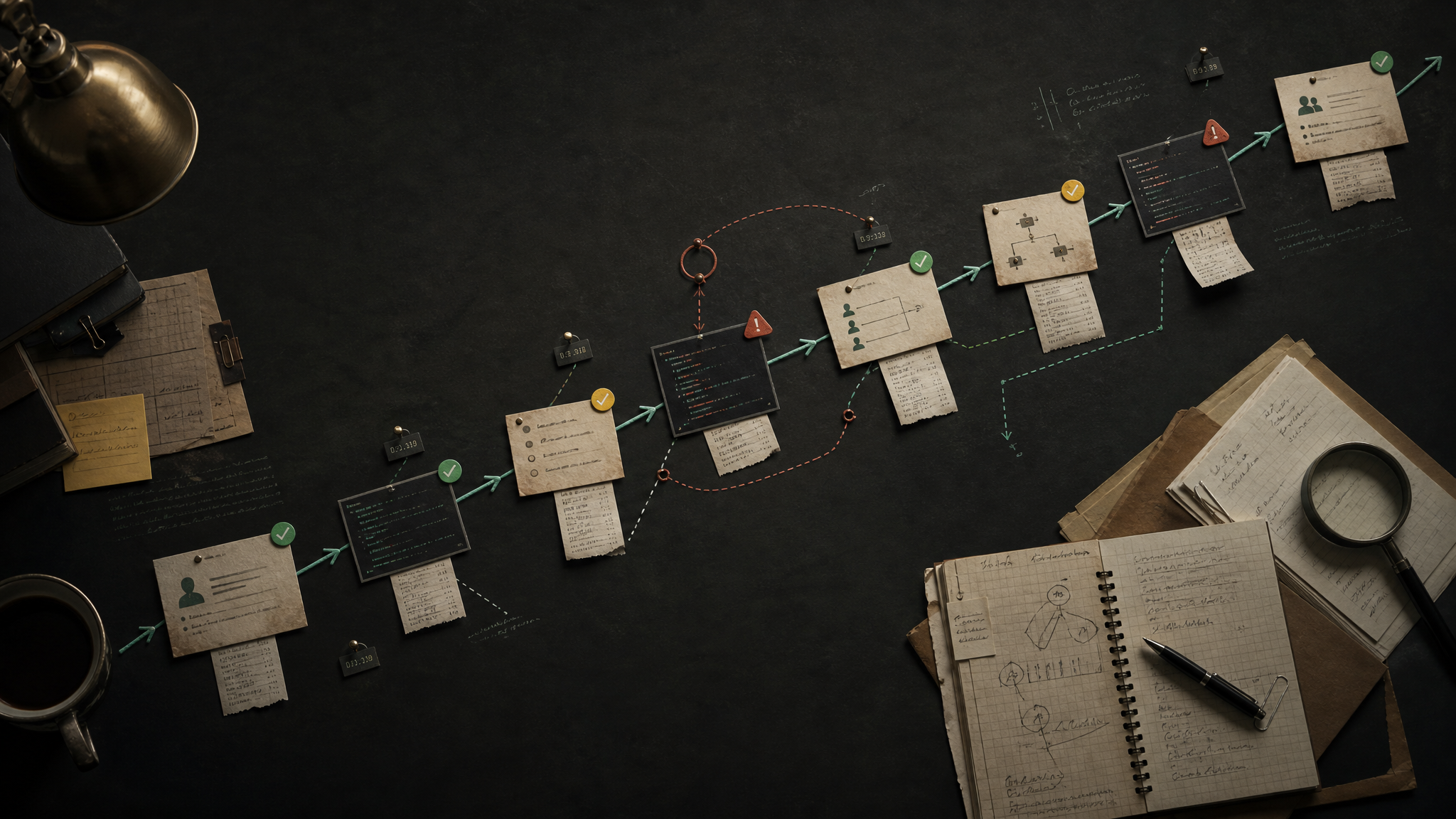
For a long time, talking about artificial intelligence inside companies meant talking about models: which one was smarter, faster, cheaper, more accurate, or better at reasoning.
But once AI started moving into real operations, it became obvious that the model alone is not enough.
The important question is no longer only: what can the AI answer?
The better question is:
How does the AI work, under what rules, with which tools, with what supervision, and inside which business process?
That is where four concepts start to matter:
- Agents: systems that execute tasks, not just answer questions.
- Harnesses: the control layer that defines how, when, and with which permissions an agent can work.
- Traces: the operational record of what happened during a run.
- Team workflows: processes where humans, agents, and software tools work together.
This is the difference between using AI as a chat interface and building an actual AI-enabled operation.
A chatbot may give you a useful response. An agentic workflow can move work forward.
1. Agents: from assistants to digital workers
An AI agent is not simply a chatbot.
A chatbot responds inside a conversation. An agent can receive a goal, consult information, use tools, execute steps, wait for results, make bounded decisions, and return an operational outcome.
An assistant replies.
An agent works.
A simple agent might do one thing: answer an incoming message, classify a lead, summarize a call, or draft a follow-up.
A more advanced agent can coordinate several steps:
- Read a new inbound request.
- Identify intent.
- Check context in a CRM or database.
- Decide whether the case is urgent.
- Ask for missing information.
- Write a structured note.
- Trigger a human handoff.
- Schedule the next action.
The value is not that the agent sounds intelligent. The value is that it advances a real workflow.
That distinction matters because many AI products are still designed like conversations. Real business value usually appears when AI is designed around work.
2. Harnesses: the model is not the system
The model is only one component.
The harness is the layer around the model that decides what the agent is allowed to do and how it should behave.
A harness can define:
- Which tools the agent can access.
- Which data it can read.
- Which actions require approval.
- Which prompts and policies guide behavior.
- Which memory or context enters the run.
- Which fallback model or flow to use when something fails.
- How to log the execution.
- When to escalate to a human.
If the model is the brain, the harness is the operating environment.
Without a harness, you have a model call. With a harness, you have a controlled system.
This is especially important once AI touches live business processes. It is one thing to ask a model for a draft. It is another to let an agent send messages, update records, route leads, create tickets, or trigger tasks.
In those cases, the question is not only “is the model good?”
The question is:
Is the system safe, observable, constrained, and useful inside the workflow?
That is what the harness exists to solve.
3. Traces: the operational memory of an agent
If an agent takes action and nobody can see why, you do not have an operational system. You have a black box.
A trace is the step-by-step record of an execution.
A good trace can show:
- What input started the run.
- Which context was retrieved.
- Which tools were called.
- What the model decided at each step.
- What data came back from tools.
- Which outputs were generated.
- How long each step took.
- Where the system failed or retried.
- Whether a human reviewed or corrected the result.
Traces are not just for debugging. They are how you learn what is actually happening.
If a lead was not followed up, the trace helps answer: did the agent fail to classify the lead, did the CRM write fail, did the human handoff break, did the notification not send, or did the team simply not respond?
Without traces, every failure becomes a mystery.
With traces, the workflow becomes improvable.
This is one of the biggest shifts in serious AI work. The unit of analysis is no longer only “the prompt” or “the response.” It is the full execution path.
4. Team workflows: AI should join the team, not sit outside it
Most companies do not need an isolated AI toy. They need AI that can participate in the way the team already works.
That means designing workflows where humans and agents each own the right parts of the process.
Agents are good at:
- Repetitive classification.
- First-pass responses.
- Data extraction.
- CRM hygiene.
- Follow-up reminders.
- Summaries.
- Routing.
- Monitoring.
- Drafting.
- Reporting.
Humans are still better at:
- Judgment.
- Trust.
- Exceptions.
- Negotiation.
- Strategy.
- Sensitive communication.
- Relationship management.
- Final accountability.
The point is not to replace the whole team with a bot.
The point is to redesign the workflow so that repetitive work moves faster and humans spend more time on high-leverage decisions.
A useful team workflow might look like this:
- A prospect sends a message.
- An agent answers quickly and gathers context.
- Another step qualifies the opportunity.
- The system updates the CRM.
- A human receives the cases that need judgment.
- Follow-ups are scheduled automatically.
- The trace records every step.
- A report summarizes volume, quality, response time, and bottlenecks.
That is not “a chatbot.”
That is an operating workflow with AI inside it.
5. The architecture stack
A practical AI workflow usually needs more than a prompt. It needs a stack.
At minimum, that stack includes:
Interface
Where the work enters: chat, WhatsApp, email, forms, CRM events, internal tools, or scheduled jobs.
Agent
The worker assigned to a specific job: answer, classify, research, summarize, route, reconcile, report, or escalate.
Harness
The control layer: permissions, tools, prompts, policies, memory, retries, fallbacks, and human approval rules.
Tools
The systems the agent can use: CRM, calendar, email, messaging, spreadsheets, databases, search, analytics, internal APIs, or code execution.
Memory and context
The information the agent needs to avoid starting from zero every time: customer history, prior decisions, preferences, open tasks, business rules, and recent activity.
Traces
The execution log that makes the workflow observable, debuggable, and improvable.
Human handoff
The point where the system stops pretending it should own everything and routes the right work to the right person.
Metrics
The signals that tell you whether the workflow is actually better: response time, completion rate, conversion, cost, accuracy, retries, escalations, and human corrections.
This is where AI becomes infrastructure.
6. The most common mistake: building demos instead of workflows
The easiest AI demo is a conversation.
The hardest thing is an operational workflow that survives messy inputs, missing data, tool failures, human delays, and edge cases.
That is why many AI projects look impressive in a demo but fail in production.
They optimize for the moment where the model gives a clever answer. They do not design the surrounding system that makes the answer useful, safe, and repeatable.
A production workflow needs answers to questions like:
- What happens when required information is missing?
- What happens when the tool call fails?
- What happens when the agent is uncertain?
- What should never be automated?
- Who reviews the output?
- What gets logged?
- What counts as success?
- What triggers escalation?
- How does the system improve after failures?
If those questions are ignored, the AI system will eventually break in the gap between a good response and real work.
7. Designing better agent workflows
A better approach starts with the workflow, not the model.
Before choosing the agent architecture, map the actual process:
- What starts the workflow?
- What information is needed?
- Which decisions are repetitive?
- Which decisions require human judgment?
- Which tools are involved?
- What should be automated?
- What should be only drafted?
- What should be escalated?
- What needs to be logged?
- What metric proves the workflow improved?
Only then should you design the agent.
The agent should have a narrow job, clear permissions, explicit failure behavior, and a traceable execution path.
That sounds less magical than “an AI that does everything.”
But in practice, it is far more useful.
Reliable AI operations are usually built from smaller agents, strong harnesses, clear traces, and thoughtful handoffs — not from one oversized prompt pretending to be a company.
8. What changes for teams
When teams adopt this architecture, the work changes.
Instead of asking, “Can AI answer this?” they start asking:
- Can AI own this step?
- Should AI draft or execute?
- What context does the agent need?
- What tools should it have?
- What should the trace capture?
- When should a human take over?
- How do we know whether the workflow improved?
That is a more mature way to think about AI.
It moves the conversation away from novelty and toward operations.
The winning teams will not be the ones with the most random AI experiments. They will be the ones that can turn AI into reliable workflow infrastructure.
Conclusion
Models will keep improving. That matters.
But the durable advantage will not come only from using the newest model first.
It will come from knowing how to design systems around models:
- Agents that own specific jobs.
- Harnesses that control behavior.
- Traces that make execution visible.
- Team workflows that combine automation with human judgment.
That is the architecture of serious AI work.
Not a chatbot on the side.
Not a prompt hidden inside a tool.
An operating layer where humans, agents, tools, memory, and telemetry work together.
That is where AI becomes useful beyond the demo.