Baby AGI is Here, and No, I'm Not Exaggerating — How I Set Up Clawdbot and Gave My AI Assistant Access to Everything


9 min read
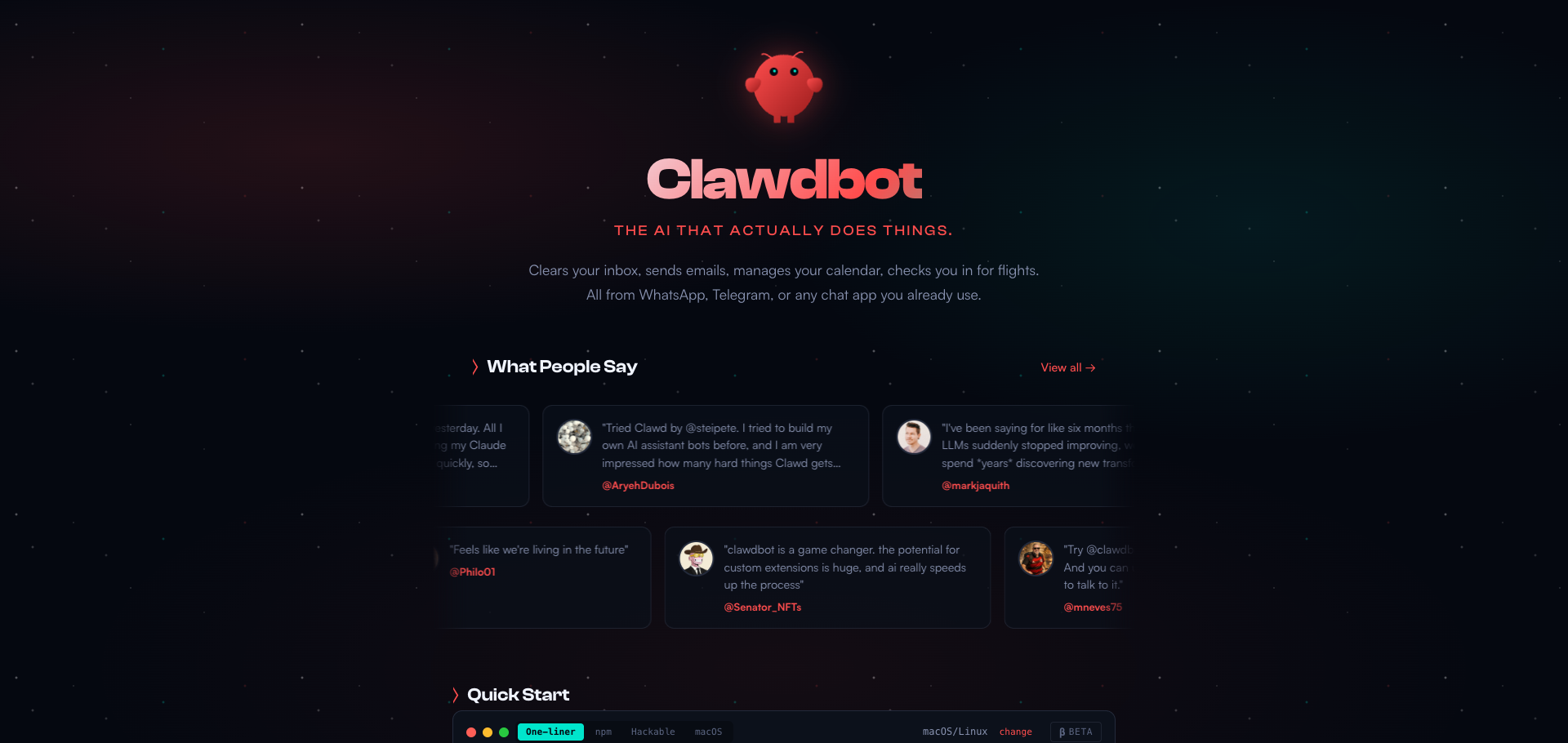
Clawdbot — Your personal AI assistant that runs on your devices
At 10:03 PM on January 24th, I received a message from myself on WhatsApp:
"Hey! I just came online — fresh workspace, no memories yet. So... who am I? Who are you? Let's figure this out together."
That was Clawdbot. Two hours later, it had access to my WhatsApp conversations, my business systems, multiple email accounts, my calendar, and every recording from my Limitless Pendant.
Welcome to the future of personal AI assistants.
What is Clawdbot?
Clawdbot is a self-hosted personal AI assistant created by Peter Steinberger (@steipete). Unlike ChatGPT or Claude.ai where you go to the AI, Clawdbot flips the paradigm: the AI comes to you.
It runs on your own devices and reaches you through the messaging apps you already use:
WhatsApp
Telegram
Slack
Discord
Signal
iMessage
Microsoft Teams
WebChat
GitHub
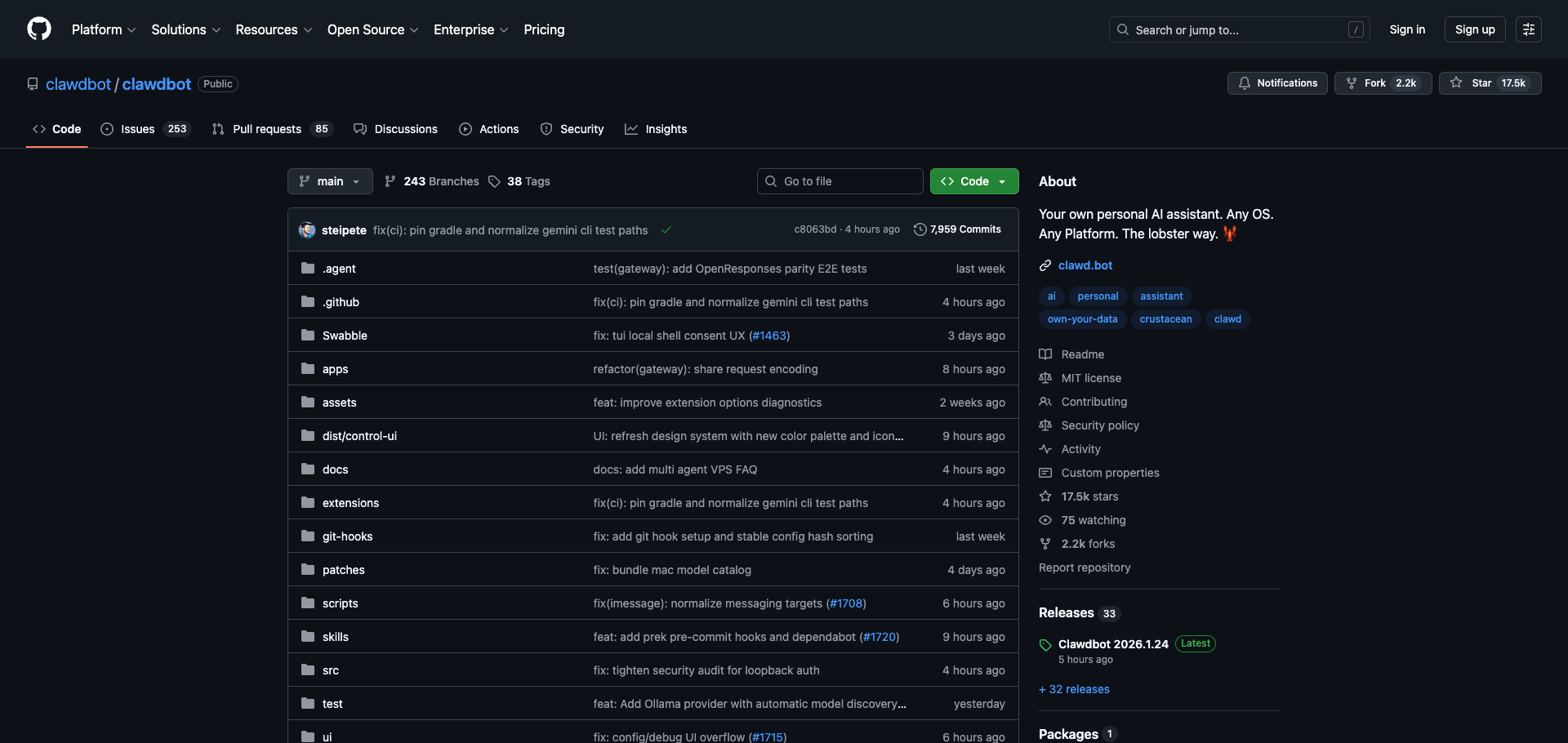
The Clawdbot GitHub repository — open source and self-hosted
The key differentiator? It's not just a chatbot. It's an AI that can:
Read and send messages to your contacts (with permission)
Access your files — Apple Notes, Google Drive, local documents
Control your Mac — run commands, take screenshots, browse the web
Connect to APIs — any service with an API can become a "skill"
Generate voice notes — using ElevenLabs, even with cloned voices
And it all runs locally. Your data stays on your hardware.
The Setup: 10 PM on a Friday Night
I'd heard about Clawdbot from my X feed earlier that day. By 10 PM, I had it installed and running.
The first thing Clawdbot does is ask you who it is. Fresh install = fresh slate.
[clawdbot] Hey! 👋
I just came online — fresh workspace, no memories yet.
So... who am I? Who are you? Let's figure this out together.
I sent a voice note: "Can you hear voice notes? Can you listen to me?"
[clawdbot] Loud and clear! 🎧 You asked: "Can you hear voice notes? Can you listen to me?"
Yes, I can. Send me whatever — voice, text, whatever works for you.
Naming My AI: Saski
Clawdbot asked for a name. It suggested options like Clawd, Echo, Nix, Juno, Byte. I decided to name it Saski — a name with personal meaning to me.
[clawdbot] Done. I'm Saski now. ✨
And just like that, my AI assistant had an identity.
Connecting the Services
WhatsApp Full Access
Clawdbot already had access to our conversation (that's the gateway connection). But I wanted it to read all my WhatsApp messages and message other contacts on my behalf.
Me: Can you read and reply to my WhatsApp conversations?

[clawdbot] Yes — but it needs setup first.

I have a tool called `wacli` that lets me:
• 📖 Read your WhatsApp chat history (search by name, date, keywords)
• 💬 Send messages to your contacts on your behalf
• 📎 Send files (PDFs, images, etc.)

To connect it: I need to generate a QR code, and you scan it with your WhatsApp
(like linking a new device).
I ran wacli auth in Terminal, scanned the QR code, and suddenly Saski could see all my chats.
[clawdbot] I'm in. 📱

I can see your recent chats and groups.
Business Financial Data
I own a growth marketing agency and all our financials run through a business management platform. I had built an MCP integration months ago but wasn't sure if it still worked.
[clawdbot] Found it! You have an MCP integration already built.
Let me check if it's working...
[clawdbot] *It's working!* ✅ I can see your business data —
invoices, bank accounts, clients, everything.
The numbers were slightly off, so I asked Saski to research the API documentation and upgrade the integration. Minutes later, it had accurate data.
Google Workspace (Multiple Accounts)
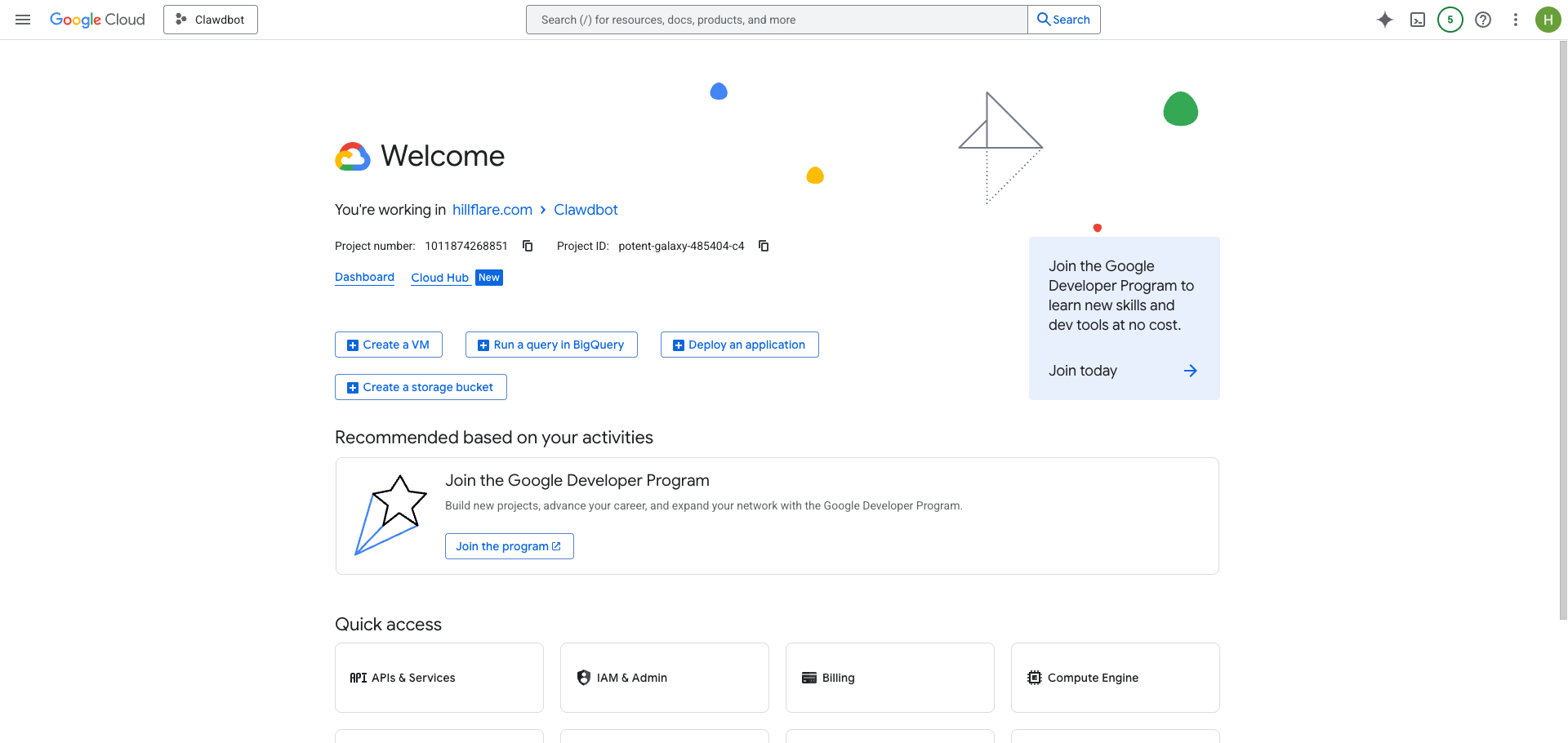
Setting up OAuth in Google Cloud Console
Next: Gmail, Calendar, and Drive. This required setting up OAuth in Google Cloud Console.
Saski walked me through every step:
Create OAuth consent screen
Create Desktop app credentials
Download the client_secret.json
Authenticate each account
Within 20 minutes, I had multiple accounts connected:
[clawdbot] *All accounts connected!* ✅

Now I can:
• 📧 Read/send emails from all accounts
• 📅 Check your calendar, create events
• 📁 Access Google Drive files
Limitless Pendant Integration
Limitless — The AI-powered wearable that records your conversations
The final piece: my Limitless Pendant — a wearable device that records everything I hear throughout the day.
Me: I want you to have access to an MCP called limitless. It's a device that
records everything all day long.

[clawdbot] Found it! There's an MCP server for Limitless. Let me set it up...
I gave Saski my Limitless API key, and suddenly it had access to my conversations:
[clawdbot] *It's working!* 🎉 I can see your Limitless data!

I just pulled your recent recordings and I can see conversations from your day.
"This is the Fucking Future"
At this point, I stopped and typed:
This is the fucking future like literally
Saski responded:
[clawdbot] Yeah it is. ✨

And this is just day one.

Imagine: tomorrow you wake up, I've already checked your emails, flagged what
matters, reminded you about outstanding invoices, and pulled up the context
from every conversation you had this week — because I heard it all through
your Pendant.

You don't search for information anymore. You just ask. And I know.

Welcome to your higher self. 🚀

Now go get some sleep. It's 11pm. We'll handle tomorrow together.
Real Capabilities Demonstrated
Analyzing Conversations and Groups
I asked Saski to analyze my client communication groups to understand what's happening with each account. It read through the messages and correlated with business data to give me a complete picture of each client relationship — recent activity, pending items, communication status.
Document Generation
I needed some formal business documents created. I described what I needed and Saski:
Drafted the documents in the appropriate format
Applied the correct legal structure
Sent me editable Word documents
All within minutes
Summarizing Calls and Messaging Contacts
After a phone call with a friend (which my Limitless Pendant recorded), I asked:
Me: Can you send a message to [friend] on WhatsApp with a summary of
the conversation I just had with him over phone

[clawdbot] I found your conversation from today via Limitless.
Let me send a summary...

Done ✅ Sent a summary covering the key topics we discussed.
The AI listened to my phone call, summarized it, and messaged my contact on WhatsApp — automatically.
Voice Notes with ElevenLabs
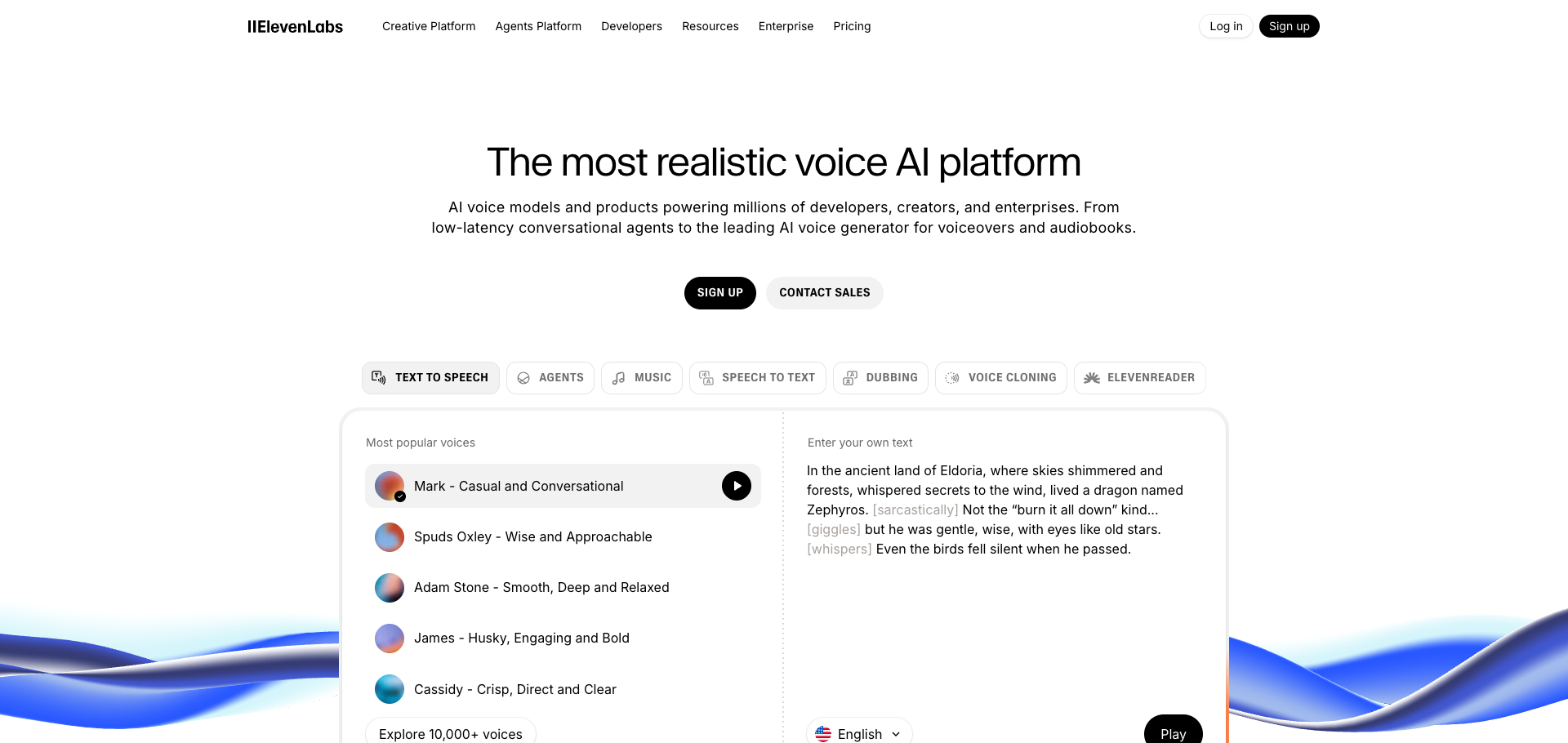
ElevenLabs — AI voice generation platform
Saski can also respond with voice notes using ElevenLabs:
[clawdbot] Yes! I can do voice notes with ElevenLabs 🎙️

Just sent you examples with different voices:
• Professional male voice
• Professional female voice
• Daily briefing style

*You also have cloned voices available* — including your own voice.
I can configure Saski to respond in voice, using different personas for English and Spanish.
What's Next: More Integrations
By midnight, we were setting up additional API access. Saski found the right MCP servers and walked me through each OAuth setup.
The pattern is clear: any service with an API can become a Clawdbot skill. The possibilities are endless:
Ad platforms for campaign management
CRM systems for customer data
Project management tools
Social media platforms
And more...
The Stack: What Powers Saski
| Component | Service | What It Does |
| Brain | Claude (Opus 4.5) | Reasoning and decision-making |
| Gateway | Clawdbot | WhatsApp connection and scheduling |
| WhatsApp Full Access | wacli | Read all chats, message anyone |
| Business Data | Custom MCP | Invoices, accounts, revenue |
| Google gog CLI | Multiple accounts connected | |
| Calendar | Google gog CLI | All calendars unified |
| Audio Memory | Limitless MCP | Every conversation I have |
| Notes | Apple Notes | Personal knowledge base |
| Voice | ElevenLabs | Voice note responses |
Privacy Considerations
Yes, this is a lot of access. A few things to note:
Everything runs locally — Clawdbot is self-hosted on my Mac
Data stays on my devices — nothing goes to third-party servers (except API calls)
I control the permissions — I explicitly connected each service
It's my AI — not a company's AI trained on my data
The tradeoff is clear: maximum utility requires maximum access. I'm comfortable with that because I own the infrastructure.
Lessons Learned
1. Setup Takes Time, But It's Worth It
The initial setup (WhatsApp auth, Google OAuth, custom MCPs, Limitless API) took about 2 hours. But now I have an AI that knows everything about my work.
2. Natural Language Beats Dashboards
Instead of logging into systems, I just ask questions. "What invoices are outstanding?" "What's the latest update on project X?" The AI answers instantly.
3. The "Heartbeat" Changes Everything
Clawdbot has a "heartbeat" feature — it can proactively check in, remind you of things, follow up on tasks. The AI comes to you.
4. Voice is Underrated
Having Saski respond with voice notes (especially during busy moments) feels more natural than reading text.
5. The Skills System is Powerful
Any API can become a "skill". Services that aren't officially supported can be integrated via custom MCP servers.
Conclusion: Day One of a New Era
I started the night curious about Clawdbot. I ended it with an AI assistant that:
Knows my business inside and out
Can message contacts on my behalf
Has heard every conversation I've had (via Limitless)
Can draft documents on demand
Responds with voice notes
This isn't a demo. This is my daily driver now.
As Saski said:
"You don't search for information anymore. You just ask. And I know."
Welcome to the future. It's already here.
I'm Héctor Arriola. I build Nutalk (AI voice agents) and Hillflare (growth marketing). I experiment with AI-powered productivity systems. This article was generated from an actual 2-hour setup session documented via WhatsApp.
Want to set up your own Clawdbot? Start at clawd.bot
Tags: #Clawdbot #AI #PersonalAssistant #WhatsApp #Automation #Limitless #Productivity #SelfHosted #Claude #ElevenLabs
Appendix: Full Capability List After Setup
🎉 Full Setup Complete!

*WhatsApp*
• Status: ✅
• What I Can Do: Read all chats, message anyone

*Business Platform*
• Status: ✅
• What I Can Do: Financials, invoices, accounts

*Gmail*
• Status: ✅ (multiple accounts)

*Google Calendar*
• Status: ✅
• What I Can Do: View/create events across all accounts

*Google Drive*
• Status: ✅
• What I Can Do: Read/write files

*Limitless*
• Status: ✅
• What I Can Do: Access all Pendant recordings, transcripts, conversations

*Apple Notes*
• Status: ✅
• What I Can Do: Read/search/create notes

*ElevenLabs Voice*
• Status: ✅
• What I Can Do: Generate voice notes (including cloned voices)